

Ride, Race, Enjoy.
Motorcycling WA along with Omnia Global is proud to announce
the launch of the new Technical Inspection App.
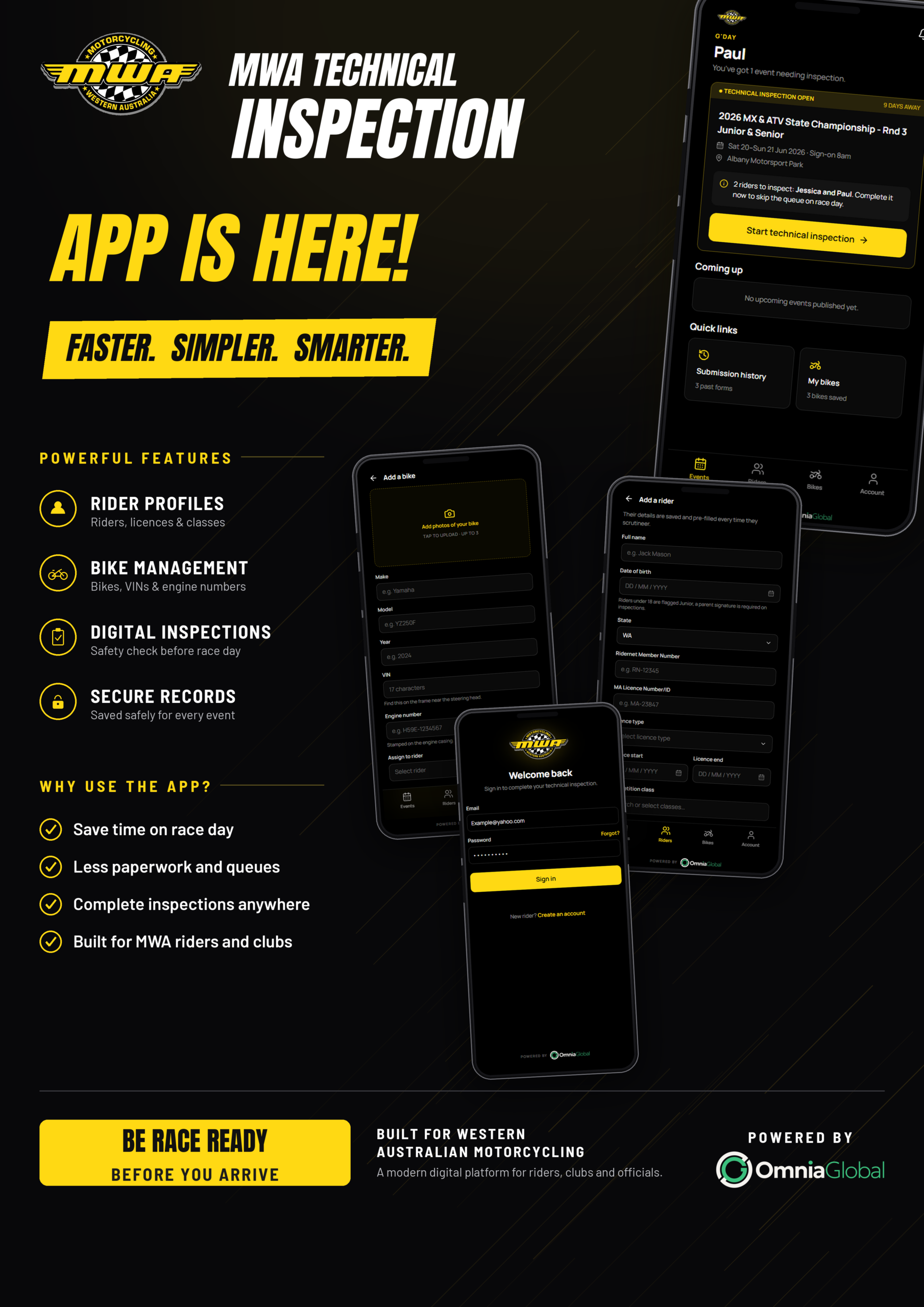
The MWA Technical Inspection App has been developed to provide riders with a faster, simpler, and smarter way to complete their motorcycle technical inspections through self-scrutineering.
Riders can inspect their motorcycle at a time and place that suits them, eliminating the need to complete pre-event scrutineering on arrival. The app guides users through the inspection process step-by-step, allowing them to verify that their motorcycle meets the required safety standards before attending an event.
Getting started is easy—simply create an account, register your motorcycle, and add the MWA Technical Inspection App to your mobile device’s home screen for quick and convenient access.
Developed by Omnia Global and Motorcycling WA, the MWA Technical Inspection App streamlines the technical inspection process, reduces delays at events, and helps riders identify and rectify any safety issues before they travel. By completing self-scrutineering in advance, riders can spend less time in the queue and more time enjoying their event, while assisting clubs and officials to deliver a more efficient event-day experience.
The initial set up of the account will take approximately 10 minutes per rider, so please set up the account prior to the event taking place.
To be redirected to the MWA Technical Inspections Website and Start your account by click the link below to start your account using your desktop or laptop.
https://MWA.omniaglobalracing.com
Please have on hand your Ridernet Id/License number.
How to Start an Account
Step 1
- Create an Account by tapping on Create and Account
- Entering your name,
- Email, mobile and password.
- Agree to the terms and conditions
Details are saved and will pre-fill every event.
IMPORTANT: PARENTS WITH MULTIPLE CHILDREN IN THE SPORT CAN ADD MULTIPLE RIDERS TO THIER ACCOUNT.
Step 2
How to Add a Rider
- Riders’ full name
- Date of Birth, year, month, date
- Ridernet Id/License number
- License expiry date
- License type
- Competition class (for SNA, JNA, SNR, JNR licenses)
- State rider number (for SNA, JNA licenses)
- Grade (if rider has been graded)
How to Add a Bike
Step 3
- Tap BIKE
- Add make, model, vin number and engine number,
- Upload 3 photos and assign rider
Saved bikes are saved on file and ready for every event.
Once your account is set up simply log in to the account to complete self-scrutineering for an event
How to Complete your Inspection and submit
Step 4
- Tap INSPECTION,
- Work through the safety guide checklist,
- Submit Before race day.
IMPORTANT: RIDERS UNDER 18 YEARS ARE FLAGGED AS JUNIORS, SO PARENTS OR GUARDIANS WILL NEED TO ALSO SIGN THE DEDICATE SIGNATURE TEXT BOX